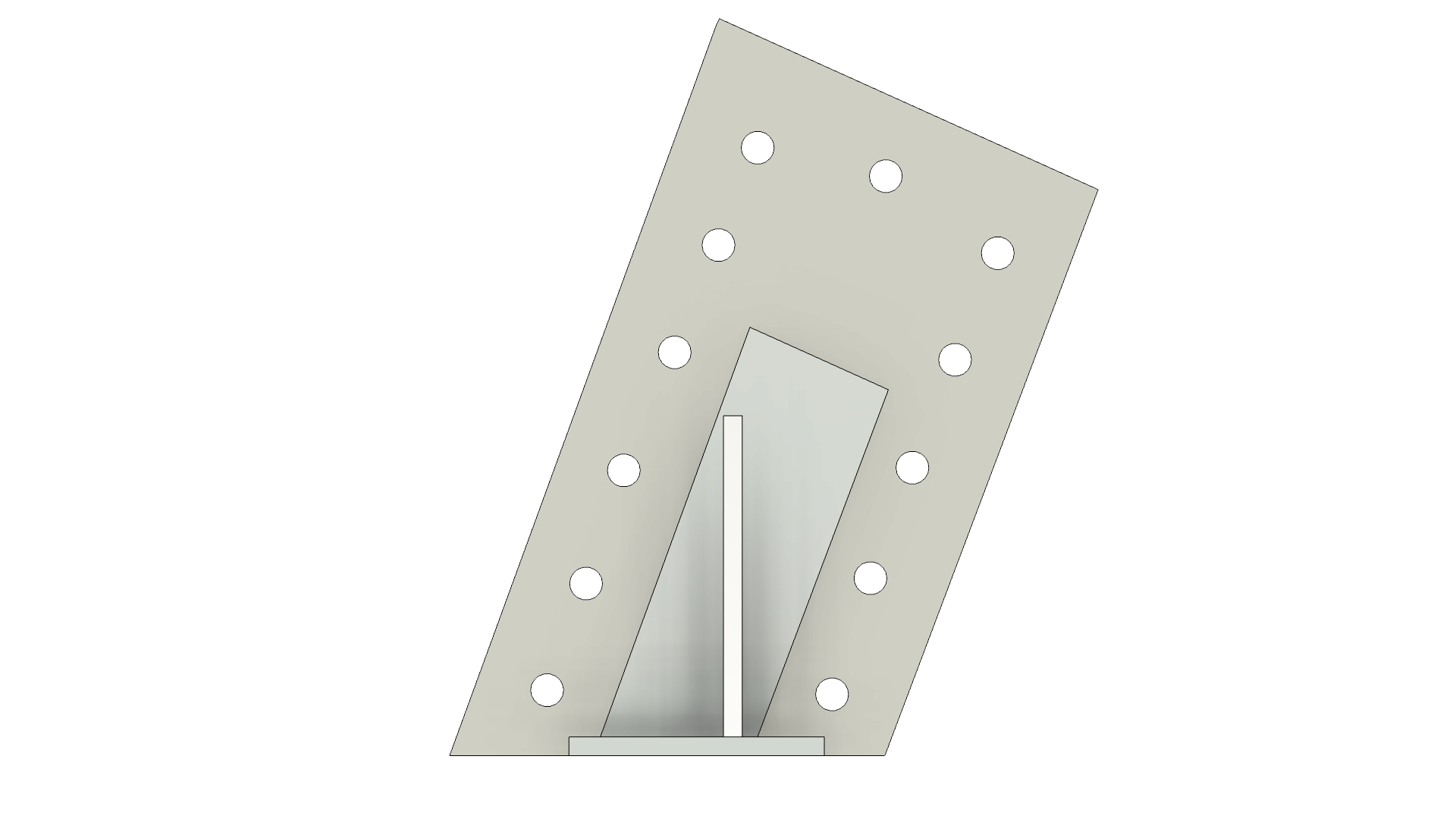
# Beetlejuice Arrow Sign Prop Replica

Love the movie Beetlejuice

## Links

M86 Props Kit Build Product Page

## Tools

* [ ] Brad Nailer or Crown Stapler
* [ ] Caulk Dispenser
* [ ] Paint Brush or Paint Sprayer

## Supplies

* [ ] 1/2in Brad Nailers or Crown Staples
* [ ] 3/4in Brad Nailers or Crown Staples
* [ ] (2 Tubes) Liquid Nails Heavy Duty
* [ ] Wood Putty / Wood Filler
* [ ] White Paint
* [ ] Red Paint

## Assembly

### Step 1

<figure><img src="/files/izHpIL3ecKnPMWj72Qg3" alt=""><figcaption></figcaption></figure>

### Step 2

<figure><img src="/files/e1PcnDDESTgPSm7FNiJX" alt=""><figcaption></figcaption></figure>

### Step 3

<figure><img src="/files/PI1g1dVLwPQJr1LI08yC" alt=""><figcaption></figcaption></figure>

### Step 4

<figure><img src="/files/6SITbbaymLYtJjpkBCXV" alt=""><figcaption></figcaption></figure>

### Step 5: Arrow Tail

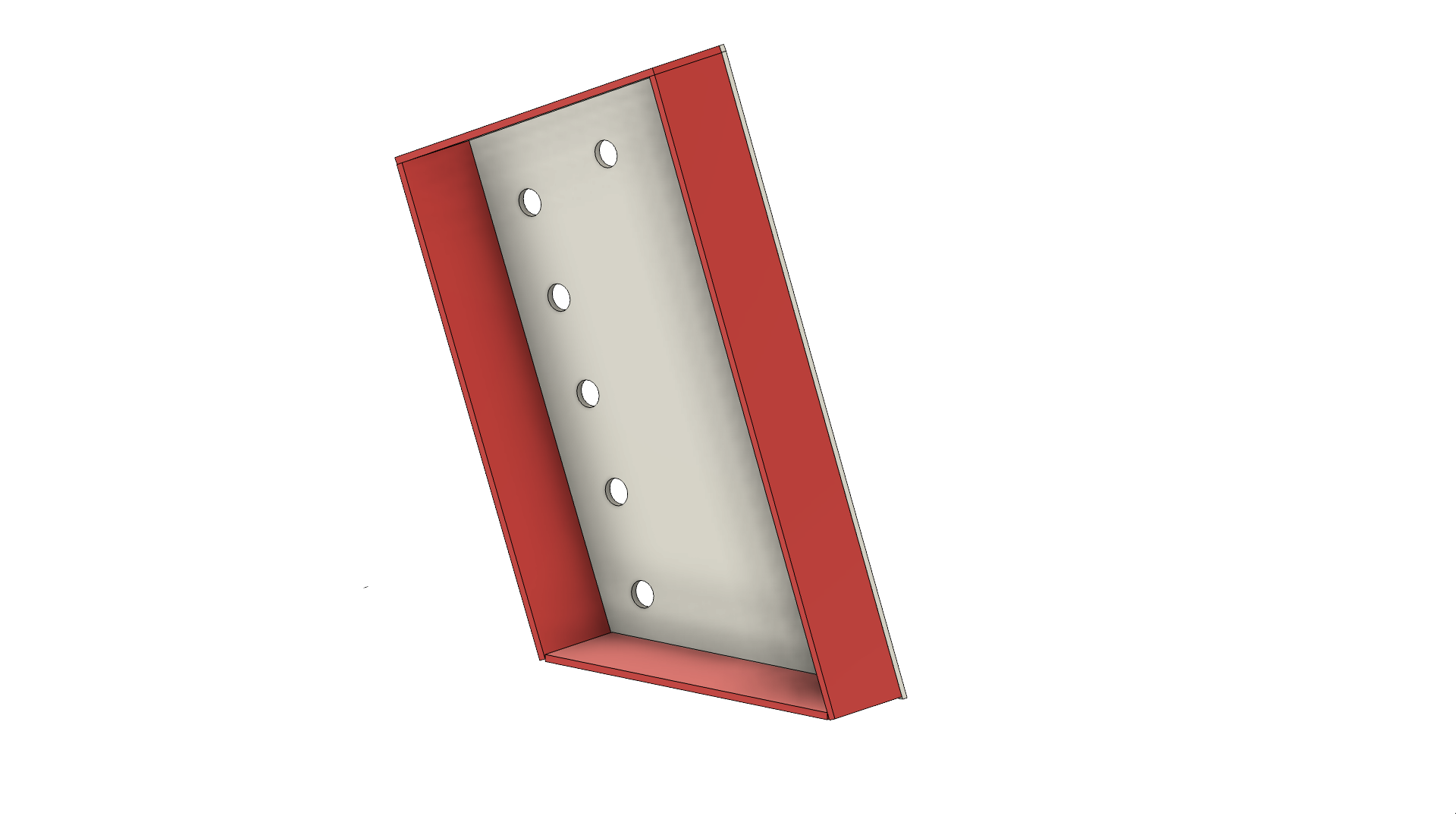
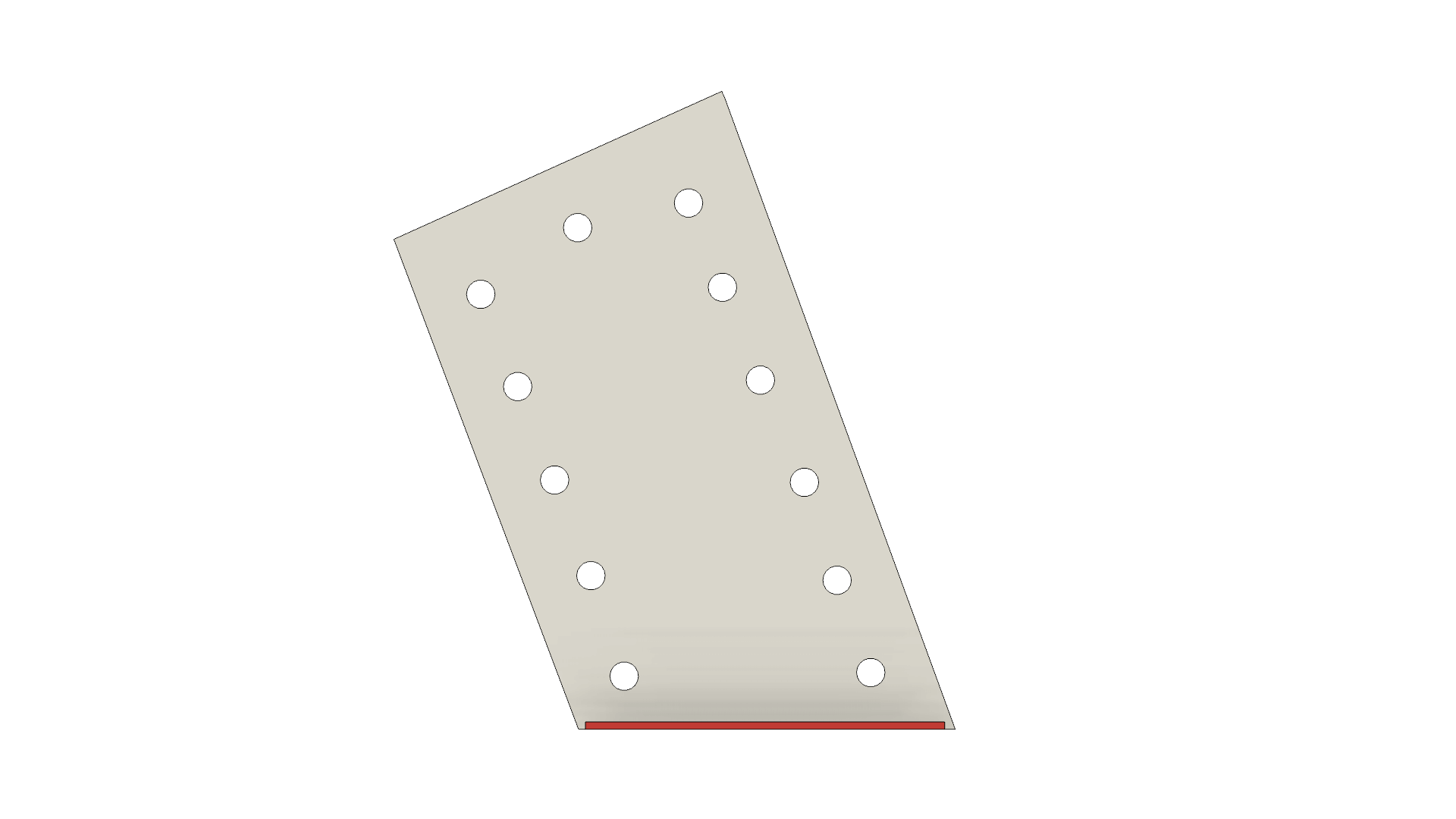
Assembling the arrows all of the pieces are numbered with a leading two letters, "AT#" and "AB#".  "AT" translates to "Arrow Top" or the tail of the arrow above the sign and "AB" translates to "Arrow Bottom" or the point of the arrow below the sign.  Assembly is in clockwise order starting at the panel that would be closest to the main sign, parallel to the top or bottom of the sign.  Pay attention to the placement of the wall of the arrow in relation to the base panel, the overlap is important.
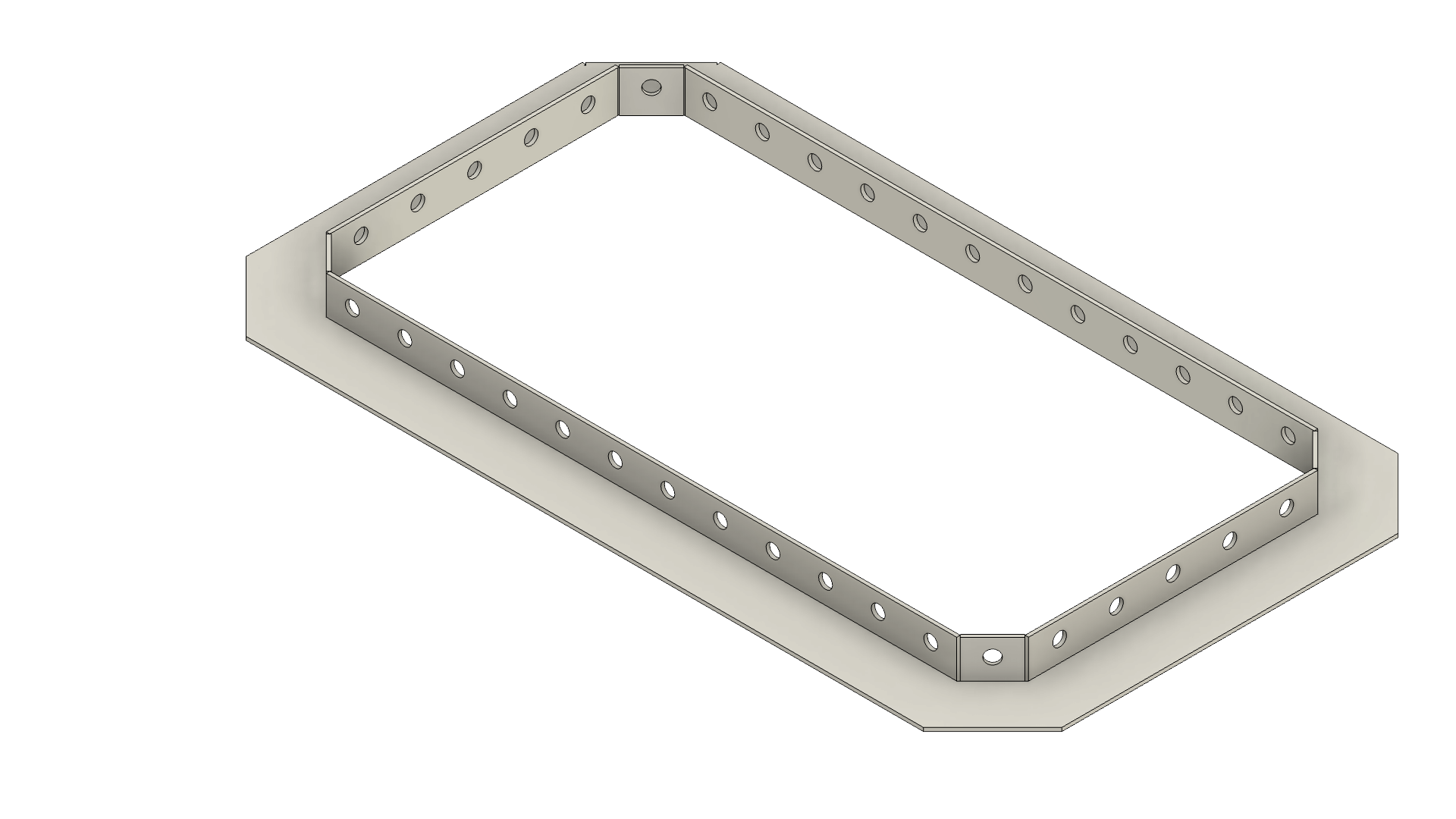
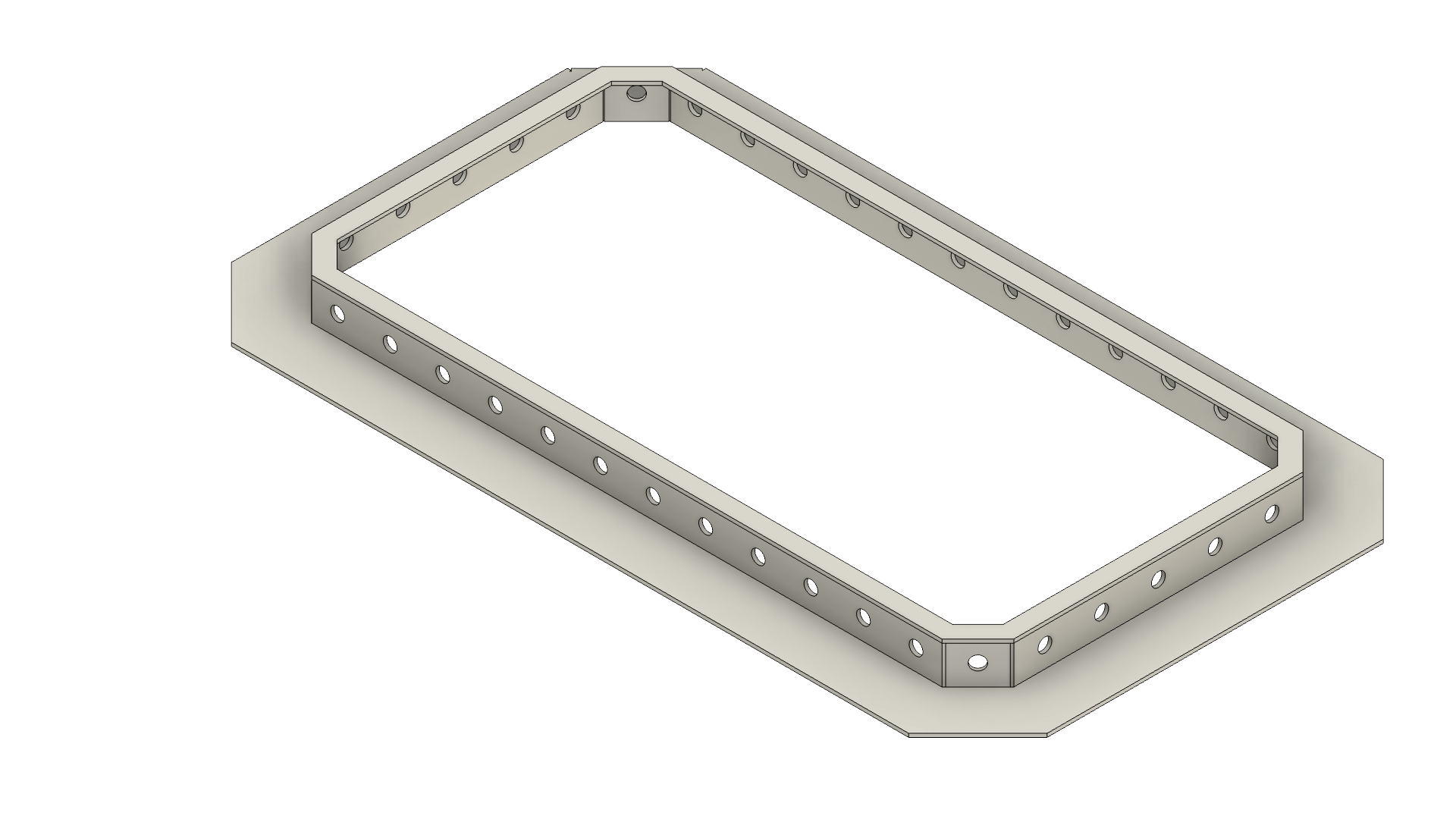
<figure><img src="/files/3SwRxN54QgYM24gqz3fD" alt=""><figcaption></figcaption></figure>

<figure><img src="/files/5ffigM0oKmo3jVzsJqZg" alt=""><figcaption></figcaption></figure>

<div><figure><img src="/files/cY2TV1yijRf2R9YGPXn8" alt=""><figcaption><p>AT1</p></figcaption></figure> <figure><img src="/files/tDMTWJllX8lqoBoOeLI0" alt=""><figcaption><p>AT2</p></figcaption></figure> <figure><img src="/files/MYp14HfOl3EgoPbYqkCw" alt=""><figcaption><p>AT3</p></figcaption></figure> <figure><img src="/files/ECcZ2ztDh3UfCnaoTtZa" alt=""><figcaption><p>AT4</p></figcaption></figure></div>

### Step 6: Arrow Point

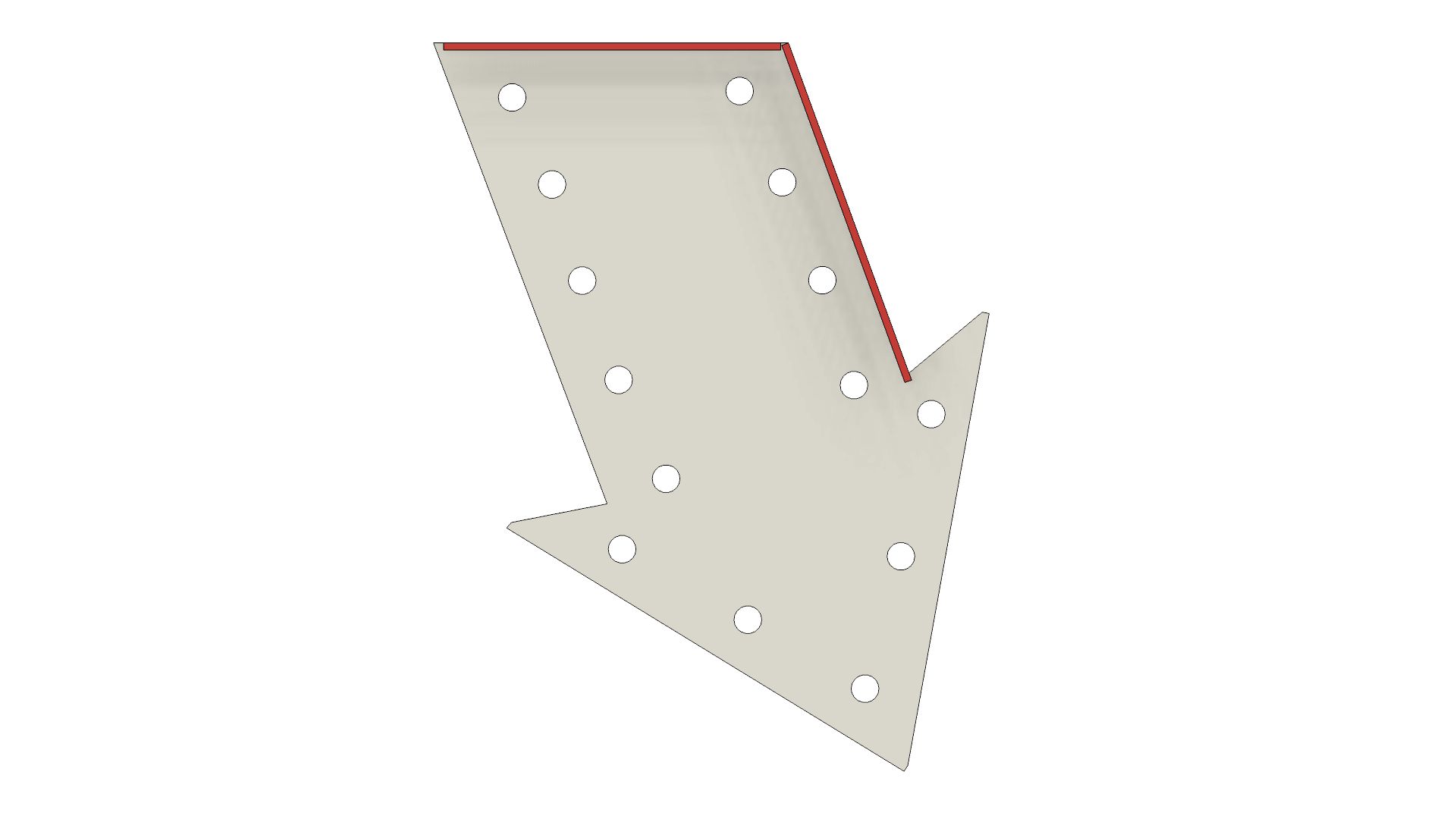
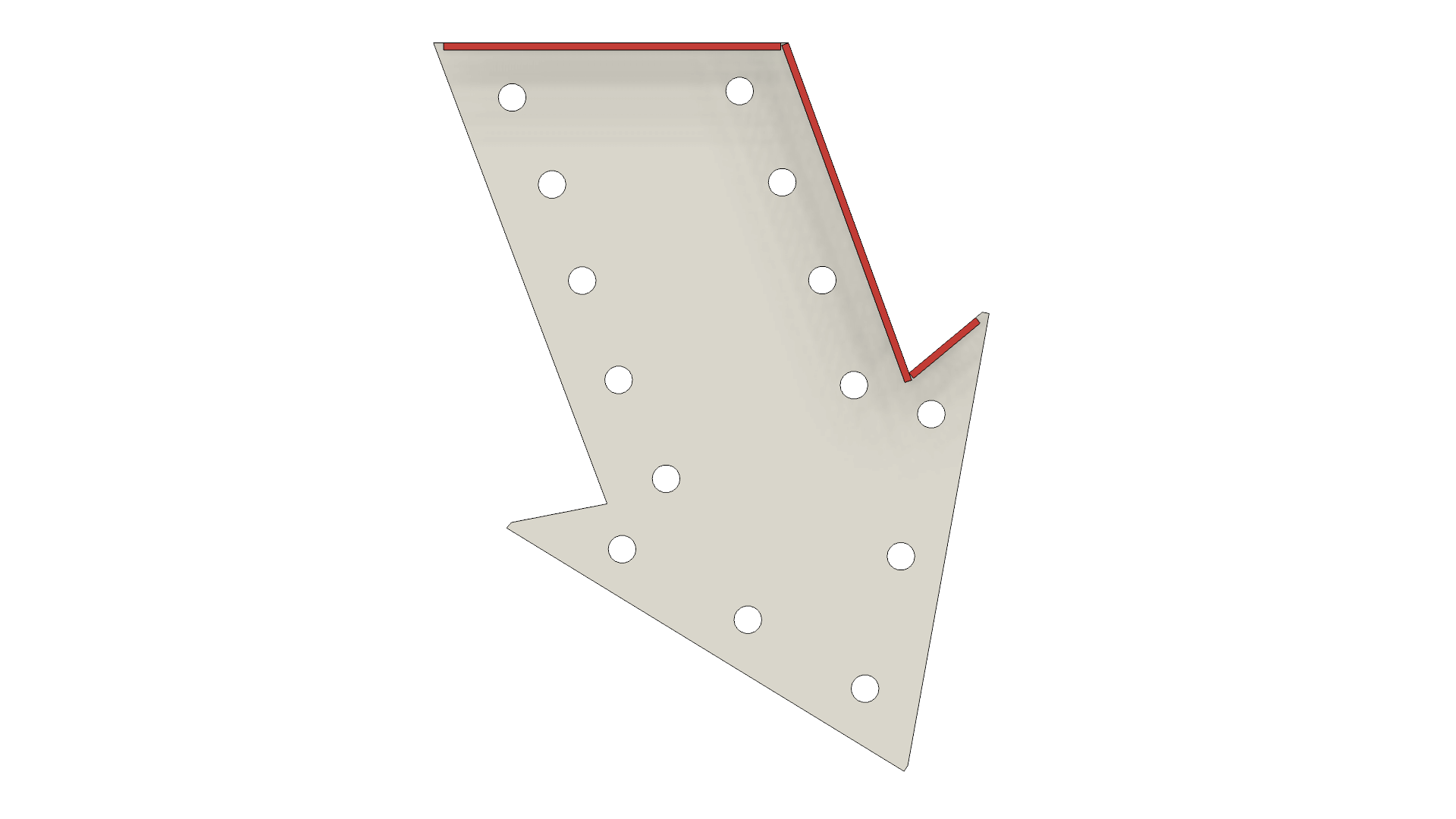
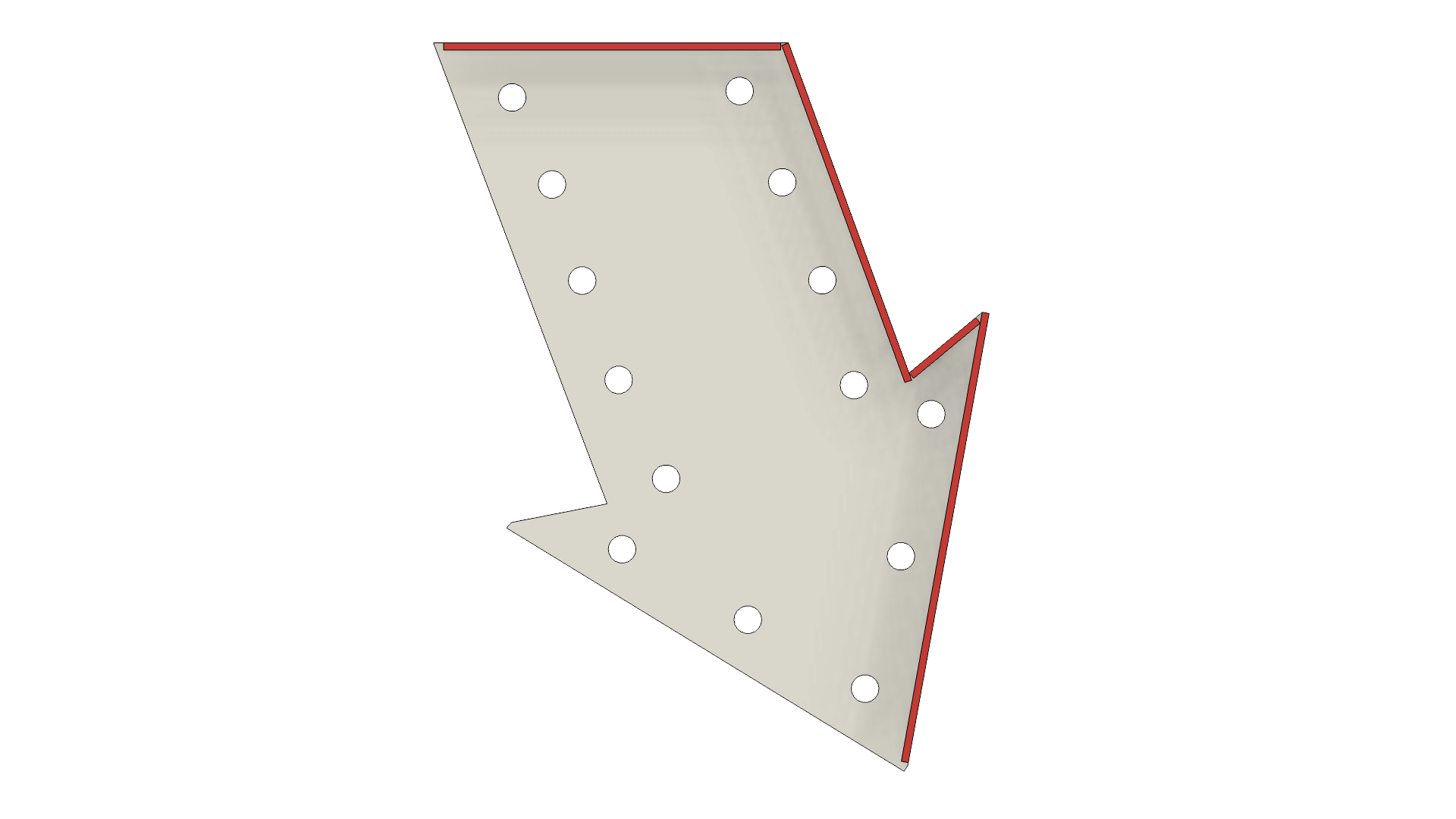
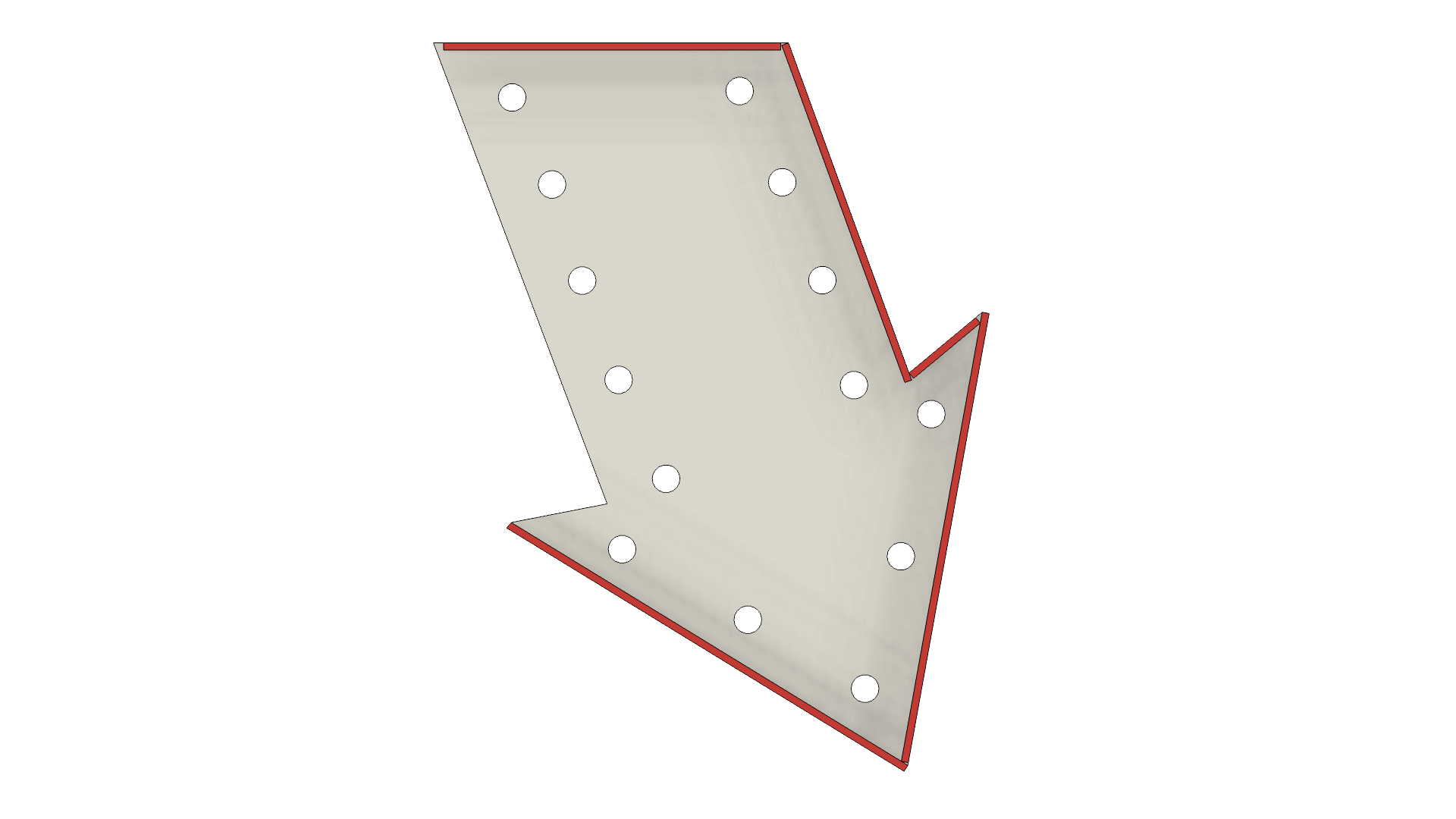
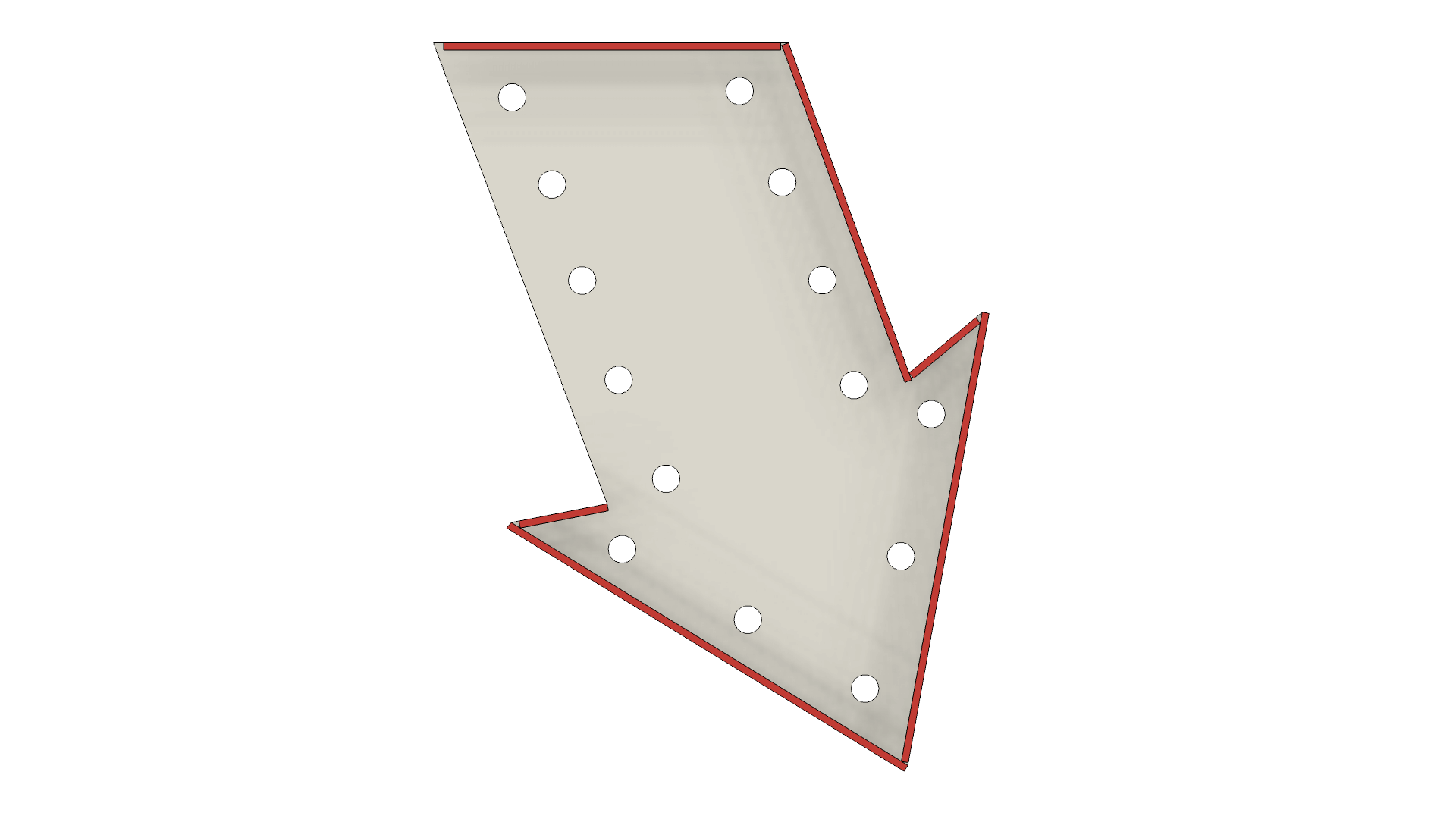
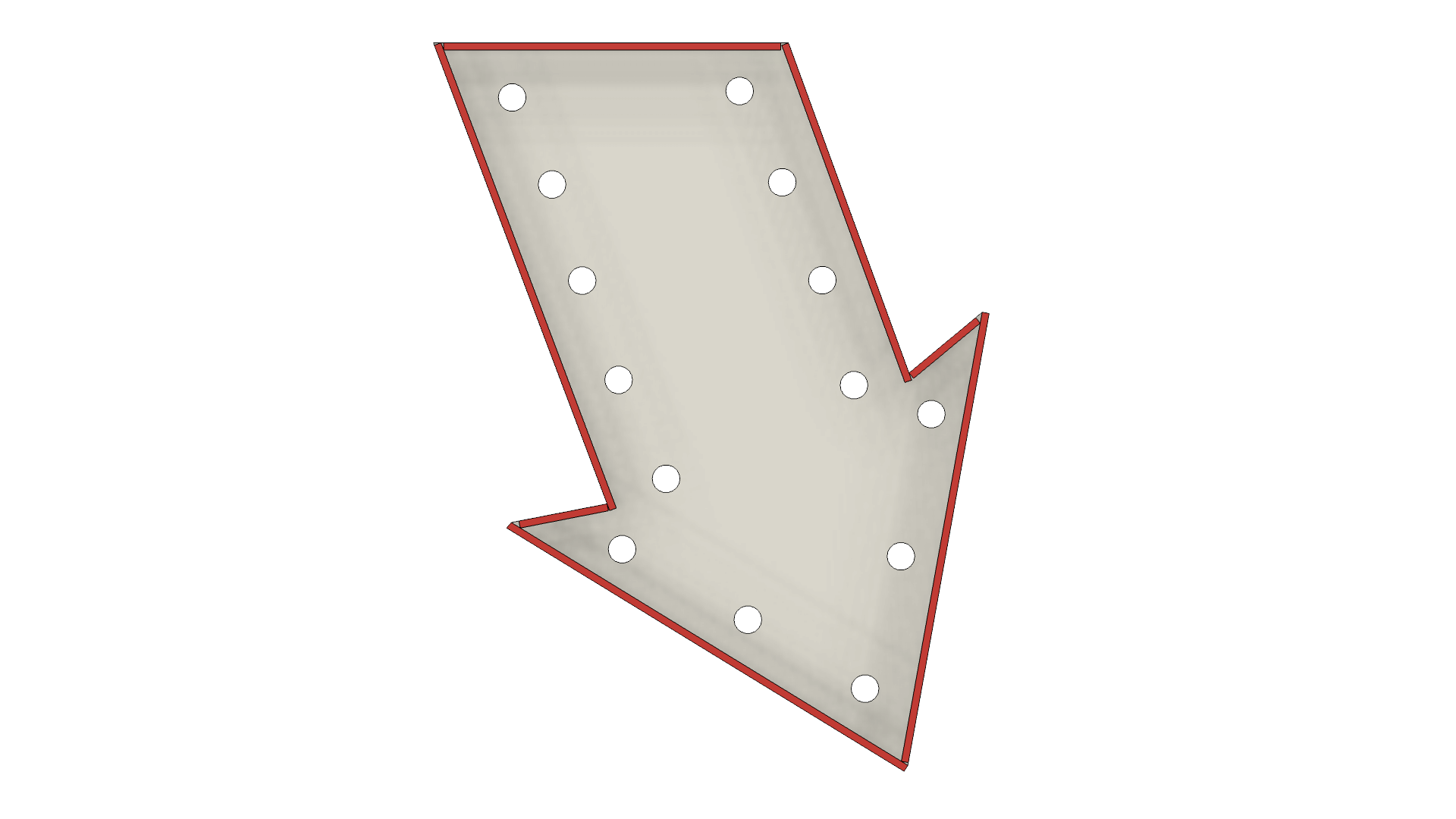
Assembling the arrows all of the pieces are numbered with a leading two letters, "AT#" and "AB#".  "AT" translates to "Arrow Top" or the tail of the arrow above the sign and "AB" translates to "Arrow Bottom" or the point of the arrow below the sign.  Assembly is in clockwise order starting at the panel that would be closest to the main sign, parallel to the top or bottom of the sign.  Pay attention to the placement of the wall of the arrow in relation to the base panel, the overlap is important.

<figure><img src="/files/YH1yLjWDe7JSkxCrKQT2" alt=""><figcaption></figcaption></figure>

<figure><img src="/files/edg7kNilLRNWOlUvvIVT" alt=""><figcaption></figcaption></figure>

<div><figure><img src="/files/HpaMZXj9LB1FWHUWjCt0" alt=""><figcaption><p>AB1</p></figcaption></figure> <figure><img src="/files/27GsUkOqNGqQiSwTGLJI" alt=""><figcaption><p>AB2</p></figcaption></figure> <figure><img src="/files/vaqePJCbNm1ARgLXD7nk" alt=""><figcaption><p>AB3</p></figcaption></figure> <figure><img src="/files/8j283EuNR4RHUfXjGtMe" alt=""><figcaption><p>AB4</p></figcaption></figure> <figure><img src="/files/C3XktKJTyEmvBecC0pxq" alt=""><figcaption><p>AB5</p></figcaption></figure> <figure><img src="/files/FokXwIGjdfvW1UUBhVjj" alt=""><figcaption><p>AB6</p></figcaption></figure> <figure><img src="/files/UHsp5FQCoh5n1ZwwR7Bm" alt=""><figcaption><p>AB7</p></figcaption></figure></div>

### Step 7: Arrow Mounts and Supports

#### Arrow Tail (Top)...

<figure><img src="/files/ijcabiRaAe99B9KMvy2B" alt=""><figcaption></figcaption></figure>

<div><figure><img src="/files/YJ9T0gQIVzhGrayse34G" alt=""><figcaption></figcaption></figure> <figure><img src="/files/vJCDngQew9oHWwOv4UkR" alt=""><figcaption></figcaption></figure></div>

<div><figure><img src="/files/zdTJog5ZYIfLBd9sULBO" alt=""><figcaption></figcaption></figure> <figure><img src="/files/uZnARYsu0nB7fT9LZHQI" alt=""><figcaption></figcaption></figure></div>

#### Arrow Point (Bottom)...

<figure><img src="/files/m890qVrRYkEjbECYOT6u" alt=""><figcaption></figcaption></figure>

<div><figure><img src="/files/esbL8TmUQVOkL1mU88qK" alt=""><figcaption></figcaption></figure> <figure><img src="/files/W4SfDxQt1RE0bTz3uDHY" alt=""><figcaption></figcaption></figure></div>

<div><figure><img src="/files/WGvoLuwlJtDbi6IvVUGF" alt=""><figcaption></figcaption></figure> <figure><img src="/files/5ixyTt5mazT1tsXwaNQm" alt=""><figcaption></figcaption></figure></div>


---

# Agent Instructions: Querying This Documentation

If you need additional information that is not directly available in this page, you can query the documentation dynamically by asking a question.

Perform an HTTP GET request on the current page URL with the `ask` query parameter:

```
GET https://wiki.malamaker.org/projects/halloween/decor/beetlejuice-arrow-sign-prop-replica.md?ask=<question>
```

The question should be specific, self-contained, and written in natural language.
The response will contain a direct answer to the question and relevant excerpts and sources from the documentation.

Use this mechanism when the answer is not explicitly present in the current page, you need clarification or additional context, or you want to retrieve related documentation sections.